Enhancing UX Design and its Usability with Animation and Motion

UX design must often include micro-interaction elements and ways for subtle user interactions. These components make the design more communicative and illustrative while improving its usability. However, user designers must know precisely when and where to include an active motion to enhance usability. For example, on Twitter, pulling down the screen would refresh the content. The screen slides down and bounces back, revealing a spinning wheel. This tells the user that some action has been initiated and is happening at the moment.

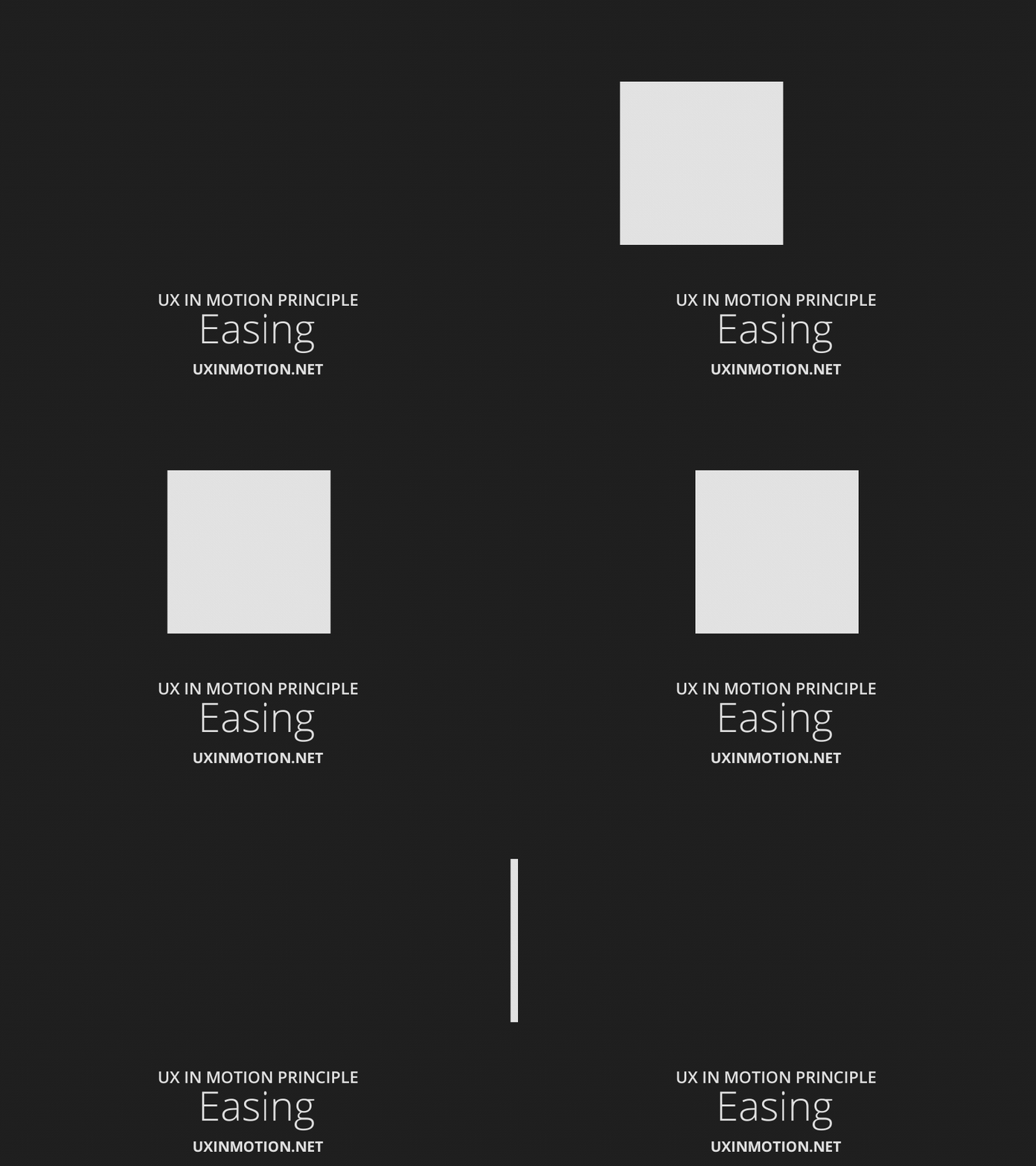
  1. Easing

This is also a principle that includes aligning the object behavior with user expectations during temporal eventsEasing helps create and reinforce the inherent ‘naturalism’ of user experiences. It provides a sense of continuity when objects behave according to user expectations. Please refer to Easing in the previous section.
Getting ready for the UX-driven World with Rapid Design Prototyping

Don’t Make Me Think: A Commonsense Approach to Web Usability author Steve Krug rightly states that, “If you want a great site, you’ve got to test it.” As a designer, you would know that the excellent execution of a bad idea can be a massive waste of time, money, and other resources. Therefore, to distinguish a good from a bad idea initially, you need to test your designs using prototypes. Prototypes are working models of your final product. They help emulate the functionality, look, and feel of the product you’re designing.

The Absolute Amalgamation of Service Design and UX Research

UX Research and Service Design are both essential elements of the design process. In many ways, they are closely connected, especially regarding personnel, expertise, and resources. However, there are also a few key differences that separate UX research from service design.

These differences and similarities are worth exploring, especially for those interested in UX design and process development. So, let’s take a closer look

22 Research Terms You Need to Know as a UX Designer

Below we’ve listed some of the most common research terms you’re likely to come across in the world of UX design. While you probably already know some, we’re hoping that by discovering some new terms here, you’ll be able to grow as a UX designer.

1. A/B Testing

A/B testing, a common practice in the world of design, is when you test two different versions of an idea, design, or function with users to see which one they prefer.

The UX Researcher's Mindset

Stepping into a researcher’s mindset can be overwhelming for some individuals. There aren’t any firm rules for achieving this; however, by building your own researcher’s mindset, you can ensure that your findings are valid and reliable. This article aims to answer any questions you may have about the researcher’s mindset, helping you achieve success in this field.

The Value of Anthropology in UX Research and UX Design

Value_of_anthropology

If you haven’t come across anthropology before, it’s simply the study of what makes us humans, human. For a long time, the science of anthropology has been connected to the world of academia. Those specializing in it tend to progress to jobs in universities and community colleges. However, things are changing.

How & Why Storytelling is Vital for UX

What is Storytelling?

In today’s day and age, brands are selling much more than a stand-alone product; they’re also selling potential realities. Companies make subtextual promises when marketing to potential consumers, and people buy products because they want to embody the brand’s story. Successful activewear companies sell items by showing potential buyers a paragon of fitness and health, not to shame them into buying, but to emphasize, ‘This could be you!’. Belief in this story begins long before the end user; it starts with interdepartmental teams, stakeholders, and clients.

How People Read Online: New and Old Findings

How-people-read-online


The internet is a beautiful place that has a wealth of information. However, how this information has been presented has changed dramatically. But why? The answer is simple; it's because of how we humans want to receive information. This leaves us with an interesting question: has this impacted how we read? Let's take a look.

Subscribe to UX Research